
How to Print CE Certificates
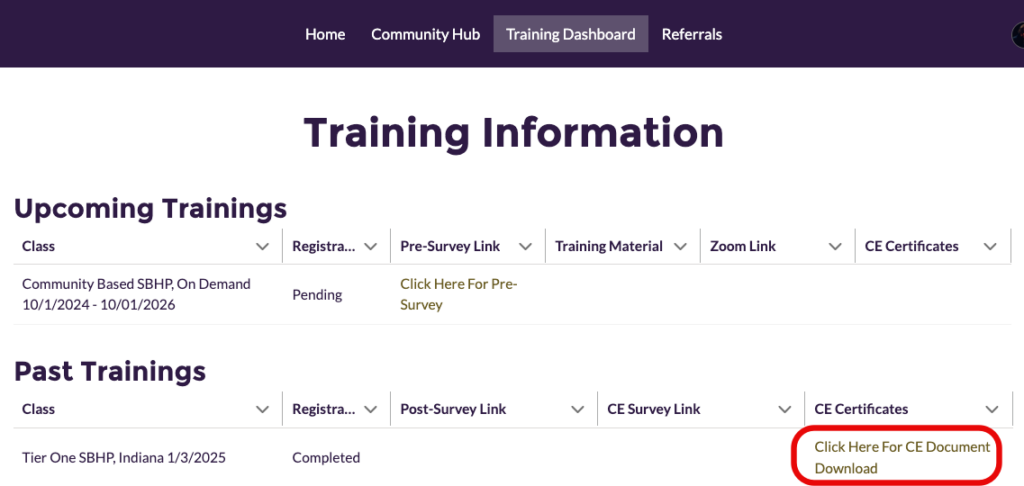
Upon completing all CE requirements, a PDF of the CE certificate will be generated automatically in your Provider Portal. An email will notify you when your CE certificate is ready to download. At that time, you can log into your Provider Portal to download and print the certificate using the steps below.
Note: CE certificates from trainings prior to May 15, 2024 are not available at this time.
Instructions
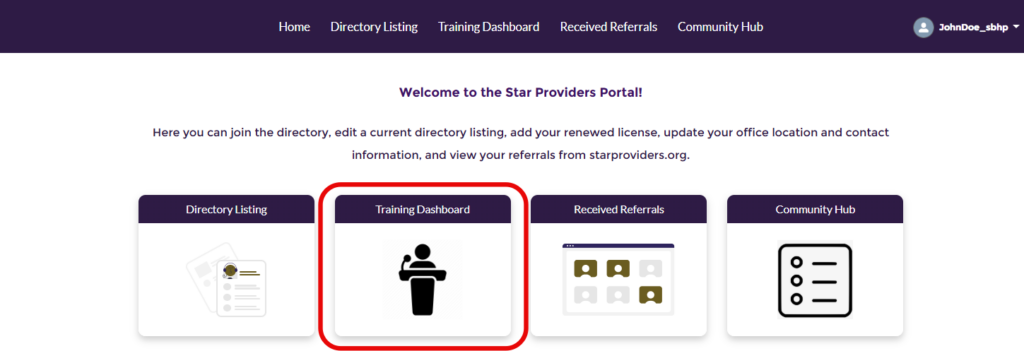
To begin, log in to the Provider Portal. From the Portal welcome page, select Training Dashboard.
Under the Past Trainings section, locate the training for which you want to download the CE certificate and click on the download link for that training.